 T-PACK
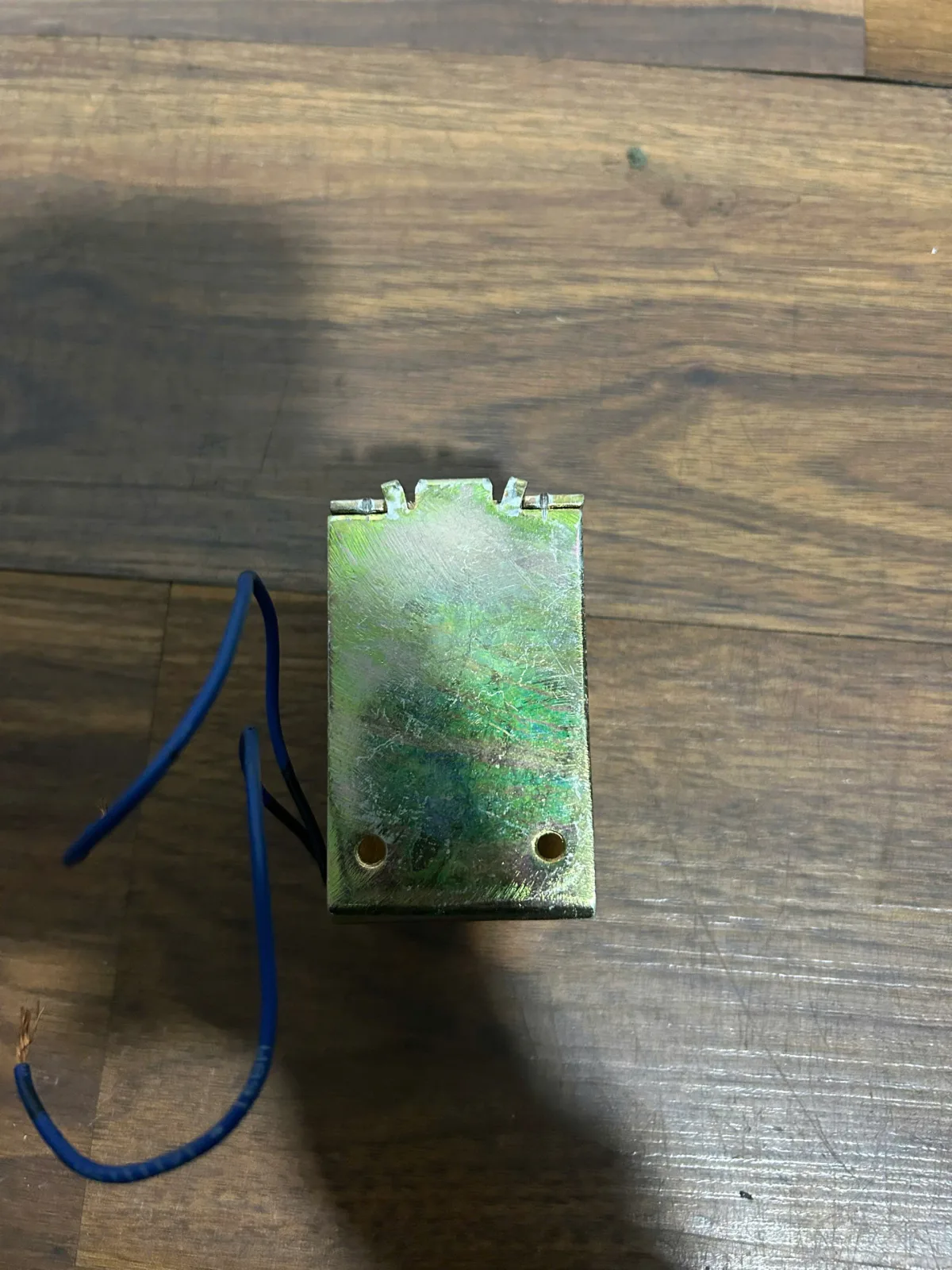
Roll Suction Strapping Machine
The strapping machine suction coil is an important electromagnetic component that helps control the mechanisms that operate inside the strapping machine. When this component fails,...
01 / 03 Product images
Tap an image to zoom · swipe to change viewContact
Products
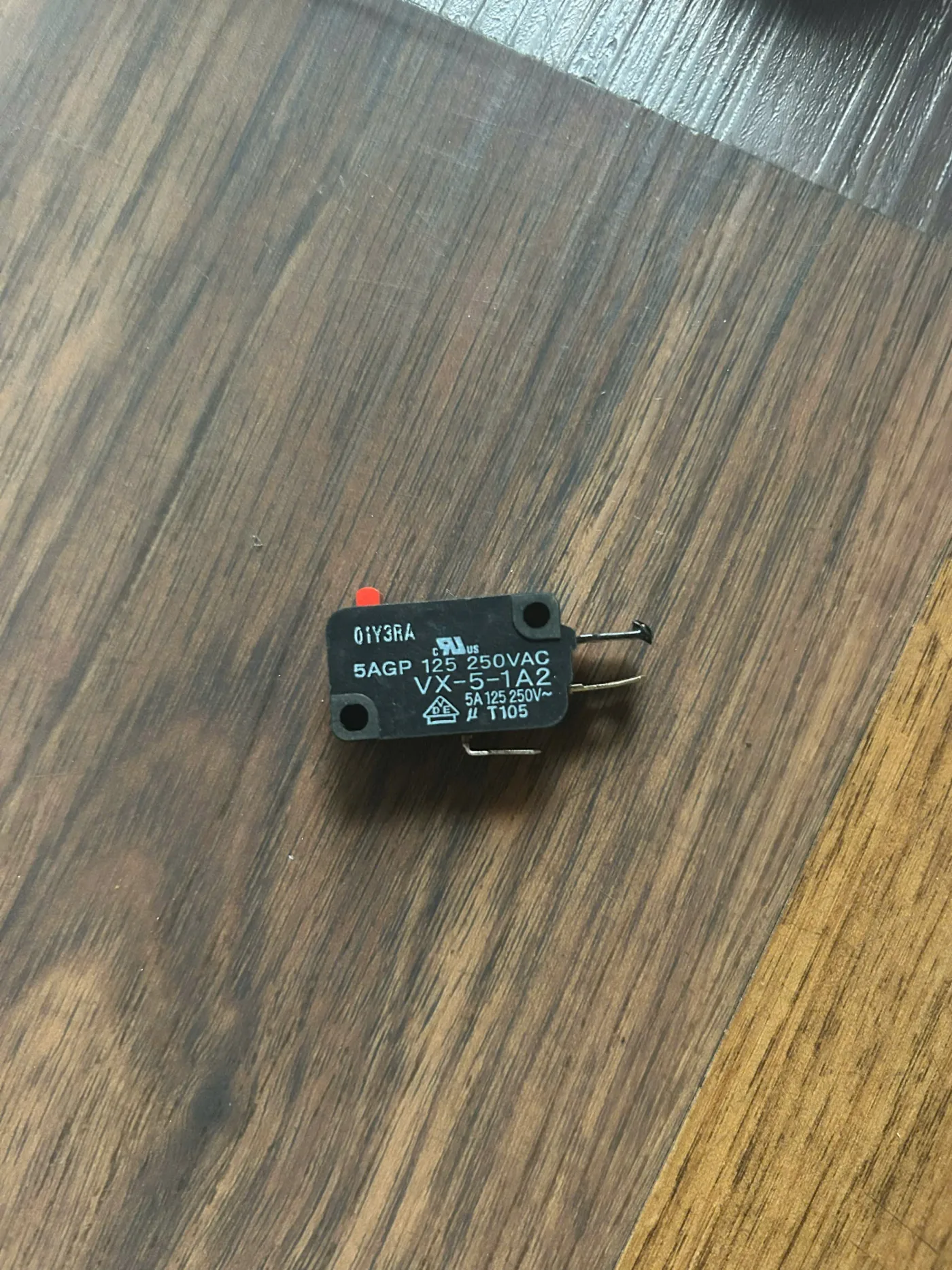
LS2 Limit Switch The Chali JN740 strapping machine is an important component in the control system, which is responsible for confirming that the cutter has completed the belt cutting cycle. The signal from the LS2 helps the control board to move to the next step correctly.
In actual operation, if this switch works misaligned, the strapping machine may not re-wire, report a continuous error, or stop in the middle of the cycle. Therefore, this is a small component but directly affects the entire operation of the machine.
Supplier: T-PACK
Hotline/Zalo:
0326 416 666 (Chat Now)
Website: https://t-pack.vn
In the structure of the Chali JN740 machine, LS2 is the cut-off alarm switch that plays an extremely important role:
When experiencing these phenomena, it is necessary to immediately check the LS2 limit switch to avoid affecting the board and tool assembly.
Note: If the alignment is wrong, the machine may report an error or not re-wire.
See also: strapping machine accessories
The LS2 is used to signal the cut, confirm the cutter is complete, and send a signal to the controller.
Possibly. The machine will not complete the cycle or report a continuous error.
No, the correct LS2 code is needed to ensure the correct signal.
It is recommended to check periodically for 6 months if the machine runs continuously.
T-PACK – Specializing in strapping machine components
If you need the LS2 Limit Switch Chali Strapping Machine JN740, please contact us immediately for accurate technical advice and the fastest support.
Reference: Chali Taiwan
Products
The strapping machine suction coil is an important electromagnetic component that helps control the mechanisms that operate inside the strapping machine. When this component fails,...
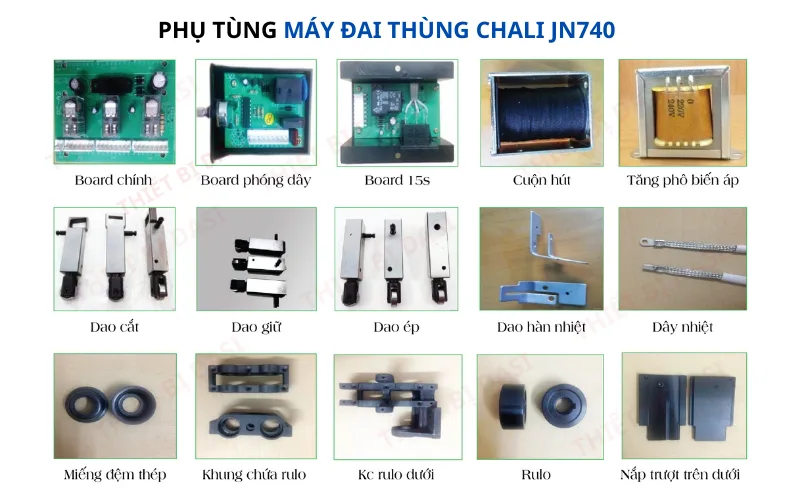
Chali JN740 strapping machine accessories are a collection of important spare parts and spare parts that help the machine operate stably, durably and maintain high performance in e...
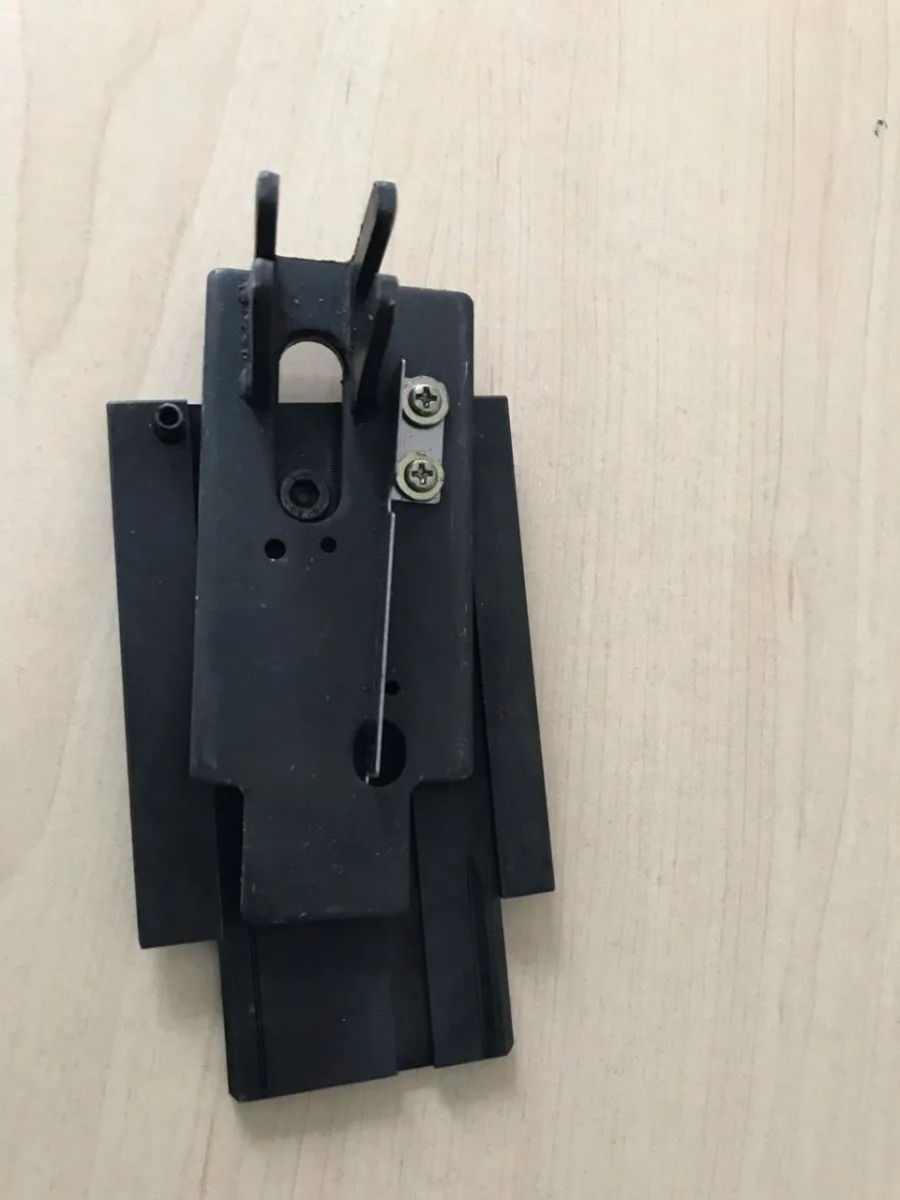
Chali JN740 strapping machine slide table is an important part that helps the tightening – welding – cutting mechanism assembly move accurately throughout the strapping cycle. The...
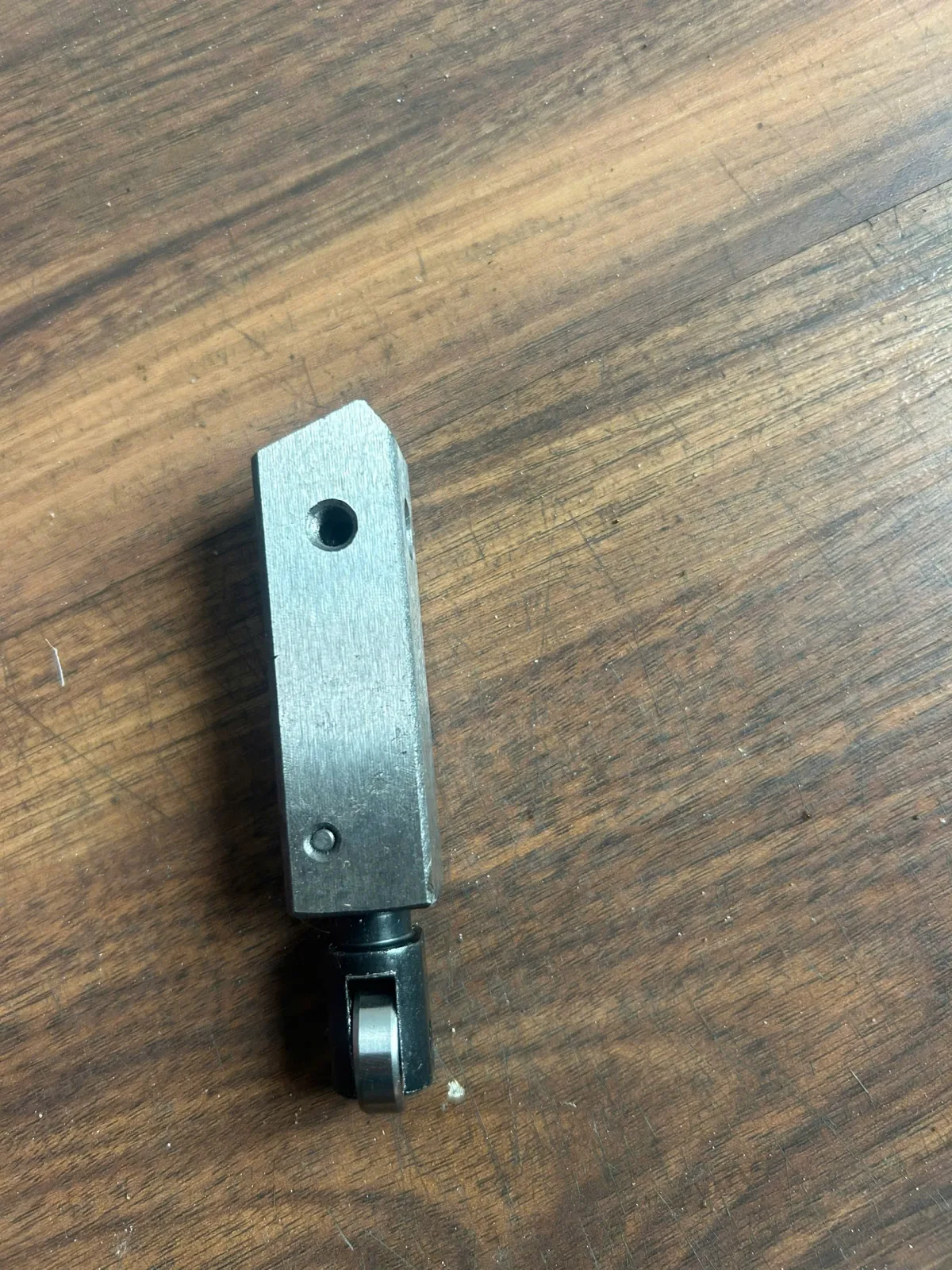
Chali JN740 strapping machine holder knife is the part responsible for keeping the belt fixed during the tightening – welding – cutting process. This is an important detail that he...